CCTV Camera Installation in Rajajinagar
Rajajinagar was laid out in 1949 by the City Improvement Trust Board — one of Bangalore's oldest planned residential layouts, split into numbered Blocks from 1st through 6th plus a 2nd Stage extension. Seventy-five years on, that history shows up in the houses themselves: some original single-storey CITB houses are still standing next to sites that have been rebuilt two or three times into G+2 and G+3 structures, and a fair number of houses along Dr Rajkumar Road and Chord Road run a shop on the ground floor with the family living above it. A CCTV plan copied from a newer suburb does not fit this mix. This page covers how we plan camera placement, wiring, and coverage for Rajajinagar's narrow CITB plots, mixed-vintage houses, and shop-cum-residence frontages.
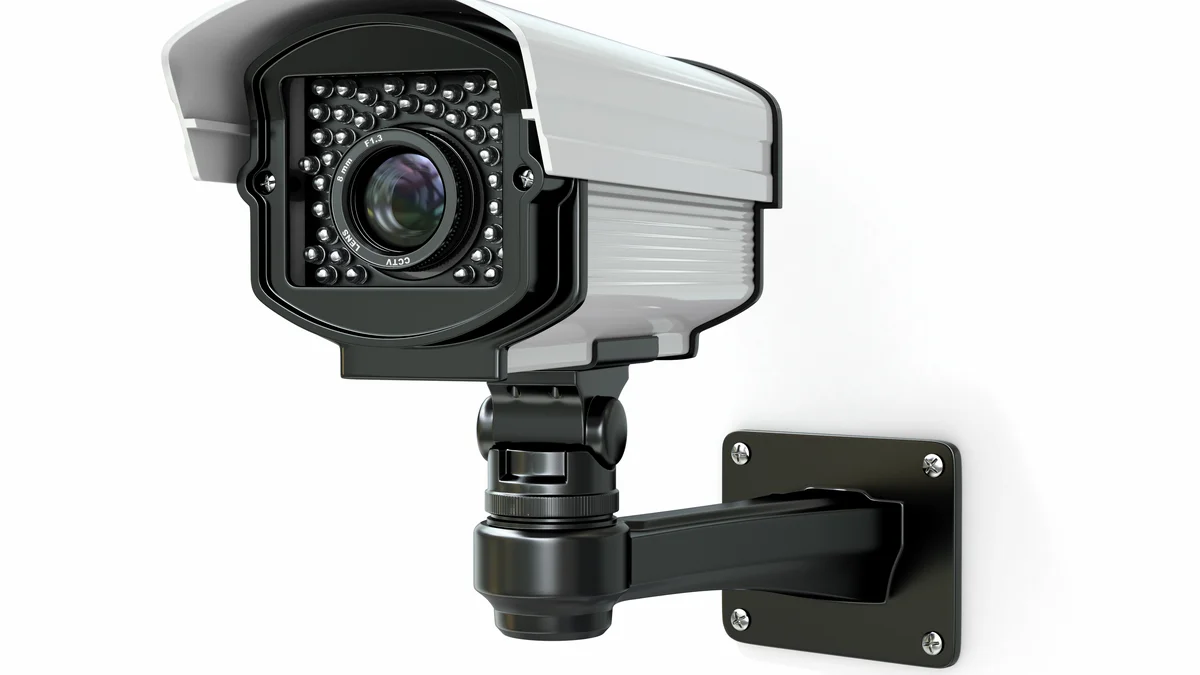
Why Rajajinagar Needs a Different CCTV Plan
Three things set Rajajinagar apart from a typical apartment complex or a newer layout, and each one changes how we plan a camera system here:
- Narrow, close-set plots. Original CITB sites were commonly 30x40 or 40x60 feet, and compound walls often sit within a few feet of the neighbouring house's windows and doors. A camera angle that would be harmless in a villa with open setbacks can easily capture a neighbour's private space here.
- Mixed house ages on the same street. Because Rajajinagar has been continuously redeveloped since 1949, one house on a block might be an original 1950s structure with thick brick walls, while the house next door was rebuilt three years ago into a G+2. Wiring plans that assume uniform construction do not work.
- Shop-cum-residence frontages. Streets like Dr Rajkumar Road and the Chord Road commercial stretch have plenty of houses where the ground floor is a shop and the family lives on the floors above. CCTV for these homes has to separate shop coverage from private residence coverage, not treat the building as a single household.
Camera Placement on Narrow CITB Plots
The single biggest mistake we correct on Rajajinagar sites is a camera aimed straight across the compound wall at a wide angle, unintentionally recording the neighbour's porch, window, or parking. Before mounting any outdoor camera, we check the field of view from the neighbour's side of the boundary as well as yours, at the actual mounting height and at night with IR active, since infrared range often extends further than the daytime field of view suggests.
Our placement rules for tight CITB plots:
- Angle gate and entrance cameras downward, toward your own porch, parking spot, or doorstep — never straight across the boundary wall
- Avoid wide-angle (120 degree+) lenses within 10 feet of a shared compound wall; a narrower lens captures your entry point without sweeping into the neighbour's plot
- Where two houses share a very tight side passage (common on 30x40 sites), skip a camera there entirely and cover that approach from the main gate camera instead
- For corner plots facing two streets, split coverage between two cameras rather than one wide unit trying to cover both frontages, which usually ends up capturing more of the street and neighbouring gates than necessary
Shop-Cum-Residence Frontages
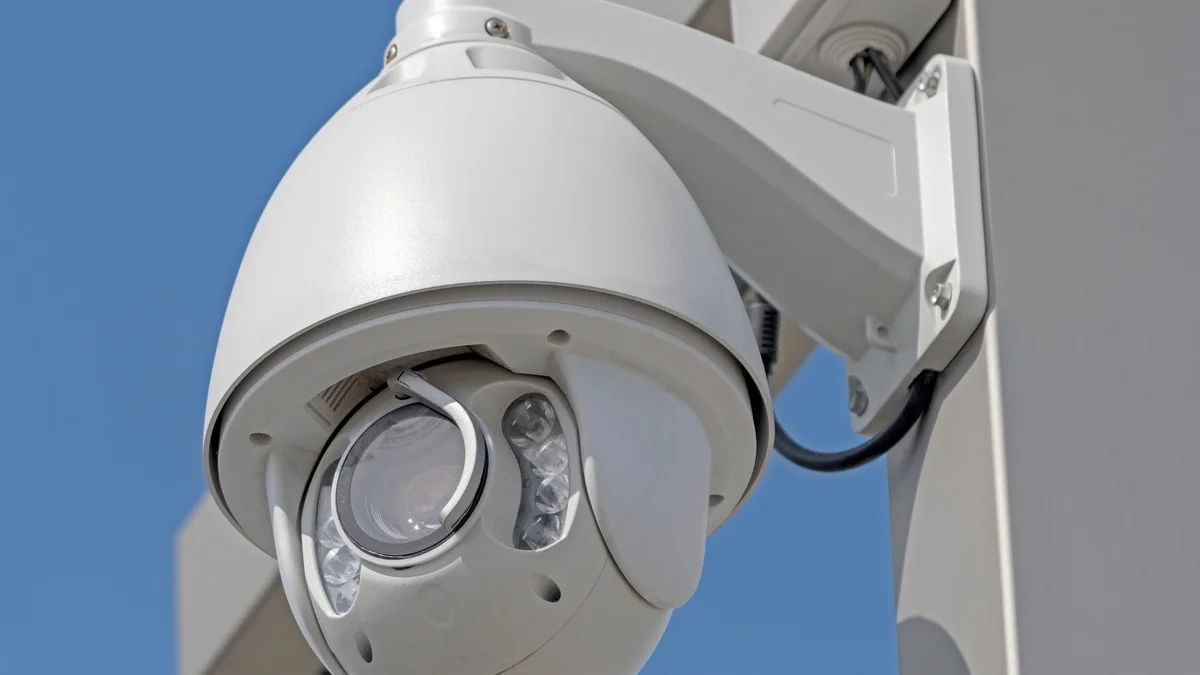
On Dr Rajkumar Road, Chord Road, and several other Rajajinagar streets, we regularly plan CCTV for houses where the ground floor runs a shop and the family lives above. Treating this as a single camera system creates a real problem: shop staff need to review shop footage during business hours, but the family upstairs does not want staff or shop CCTV vendors having access to the residence cameras.
Our standard approach for these mixed-use houses:
- Shop cameras (shutter, counter, entrance) run on their own NVR or a separate channel group, with login access limited to the shop owner and staff as needed
- Residence cameras (stair access to the upper floor, terrace, back entrance) run on a separate NVR or channel group, with access limited to the family
- The staircase leading from the shop to the residence gets its own camera, since it is the one shared access point between the two zones
- Recording schedules differ: shop cameras often run on continuous recording during business hours and motion-only after closing, while residence cameras run continuously around the clock
Wiring Generation Varies Block to Block
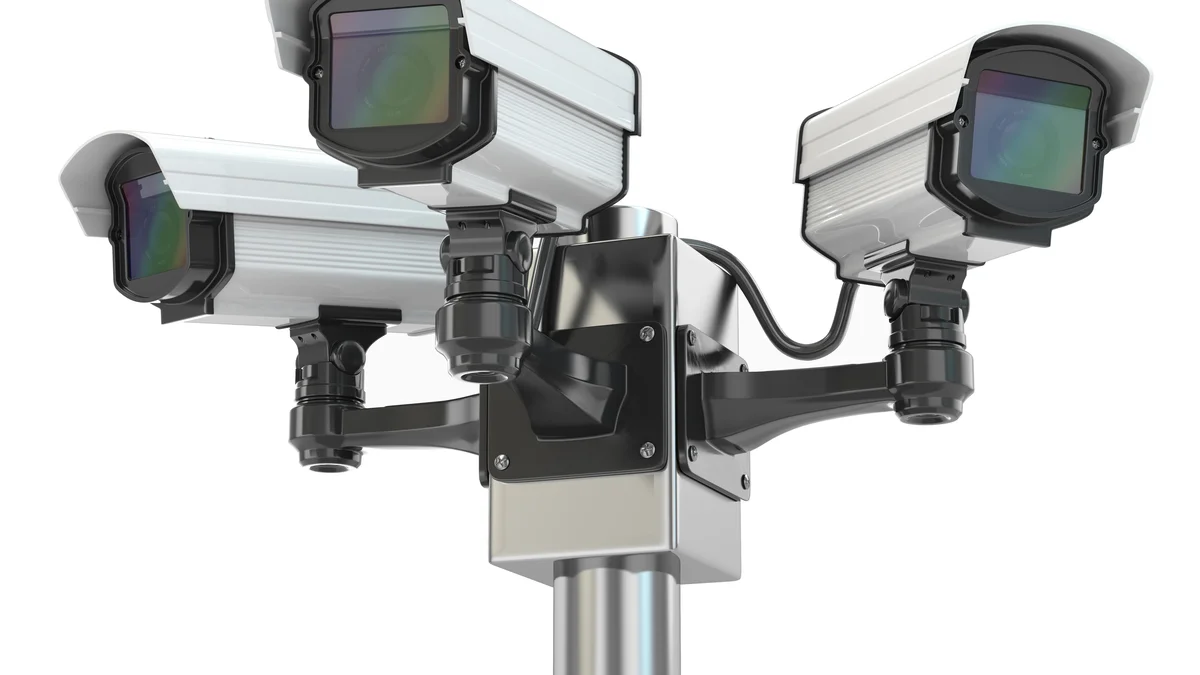
We do not assume a Rajajinagar house's wiring situation before we survey it — the range across even neighbouring plots is too wide. A house rebuilt in the last five to ten years typically has a false ceiling and modern conduit layout, so CAT6 cable for IP cameras routes exactly as it would in a new interior project: through the ceiling cavity, down a wall channel, to the NVR location, fully concealed.
An original CITB-era house, or one redeveloped decades ago without a false ceiling, is a different job. Thick load-bearing brick walls are expensive and disruptive to chase for a hidden channel, so on these houses we route cable along the ceiling-wall junction using slim, paint-matched surface conduit, or through the roof void where an attic or loft space exists. The result is not perfectly invisible like a fresh false-ceiling install, but it is neat, painted to match the wall colour, and avoids breaking into structural brickwork.
What this means for your quote: we always do a short site walk before pricing a Rajajinagar job, rather than quoting off a standard template, because the wiring route and labour differ meaningfully between an original house and a redeveloped one.
How Much Does CCTV Cost in Rajajinagar?
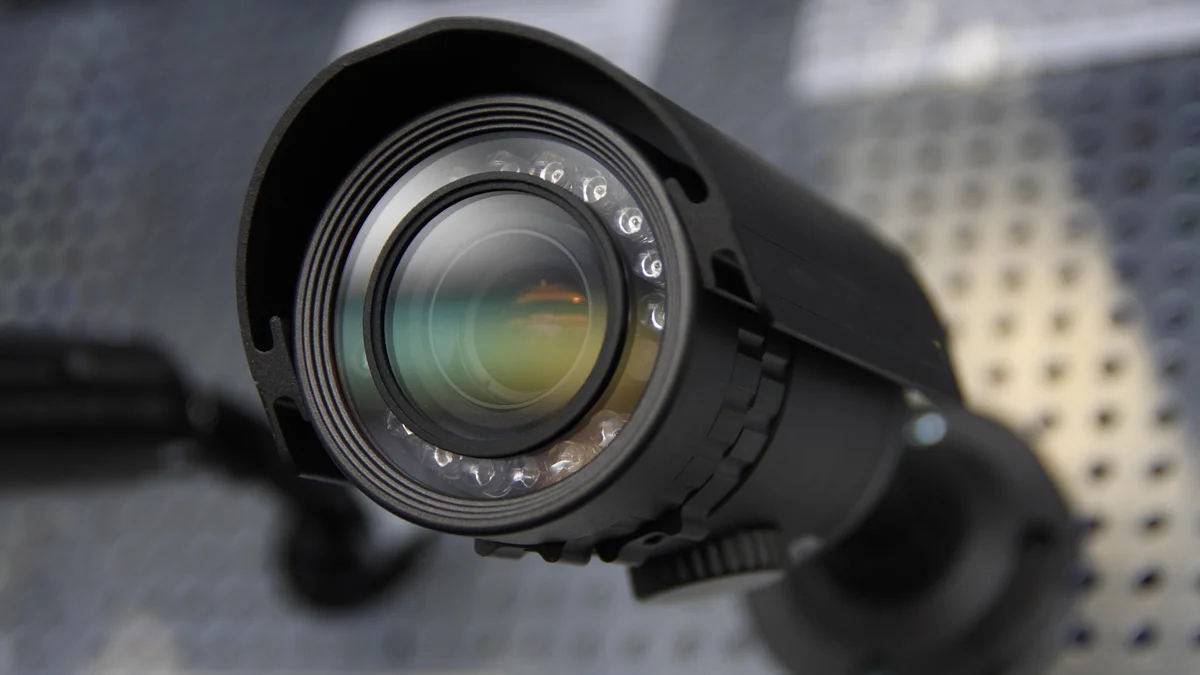
Costs below reflect the mix of house types we actually see in Rajajinagar — original single-storey houses, redeveloped multi-floor homes, and shop-cum-residence frontages. All figures include cameras, NVR, hard disk, cabling, and installation.
| House Type | Cameras | Storage | Cost Range |
|---|---|---|---|
| Original single-storey CITB house | 4 (gate, porch, back entrance, one interior) | 1TB HDD (15 – 20 days) | Rs 28,000 – 42,000 |
| Redeveloped G+1 house | 5 – 6 | 2TB HDD (25 – 35 days) | Rs 40,000 – 65,000 |
| Redeveloped G+2 / G+3 house | 7 – 9 | 2 – 4TB HDD | Rs 60,000 – 95,000 |
| Shop-cum-residence frontage | 6 – 10 (split shop + residence) | 2 – 4TB HDD, separate NVRs | Rs 55,000 – 1.1 lakh |
The CCTV camera installation hub page has the full breakdown of camera types, brand pricing, storage math, and BIS/legal requirements that apply across all our Bangalore projects, including Rajajinagar.
Rajajinagar CCTV Mistakes Worth Avoiding
1. Wide-angle cameras on narrow plots. A wide dome or bullet camera picks up far more of the neighbour's side than the homeowner realises until someone actually checks the recorded footage. We test every outdoor camera's field of view before finalising the mount position.
2. One NVR for a shop-cum-residence house. Mixing shop staff access with family camera feeds on a single system leads to exactly the kind of dispute nobody wants with people who work for you. Separate systems, or at minimum separate channel groups with separate logins, avoid this from day one.
3. Assuming every Rajajinagar house has a false ceiling. Many original CITB houses do not. Planning a concealed-wiring quote without first checking the ceiling and wall construction leads to a mismatched estimate and a surprise cost when surface conduit turns out to be the only practical route.
4. No coverage for the shared side passage. On very narrow plots, homeowners sometimes ask for a dedicated camera in a passage that is only two or three feet wide and shared visually with the neighbour's identical passage. This almost always causes a privacy complaint. We cover that approach from the main gate camera instead.
Five Steps From Survey to Handover
Step 1: Site walk, including the boundary. We check camera sightlines from both your property and the shared boundary with neighbours, note the house's construction age and ceiling type, and measure cable run distances.
Step 2: Camera and equipment specification. A detailed bill of quantities covering every camera, the NVR, storage, and cabling — priced for your specific house type, not a generic template.
Step 3: Wiring plan matched to your house's construction. Concealed CAT6 through the false ceiling for redeveloped houses; painted surface conduit or roof-void routing for original CITB houses without one.
Step 4: Installation and testing. Every outdoor camera's field of view is verified on the live feed before final mounting, specifically checking that it does not capture the neighbour's private space. Night vision range is tested after dark.
Step 5: Handover and training. App setup, admin credentials, and a walkthrough of playback and motion alerts. Our studio is in Basaveshwara Nagar, a short drive from every Rajajinagar block, so follow-up visits are quick if you need a camera angle adjusted after move-in.
IP vs Analog — Which Suits a Rajajinagar Retrofit?
Rajajinagar's housing stock spans seven decades, so the right camera technology depends on what is already inside the walls. A house redeveloped in the last ten years usually has modern conduit and a false ceiling ready for new CAT6 pulls. An original CITB house may still carry coaxial cable from an earlier analog system, and some houses have no structured cabling at all. Here is how the three main options compare for a typical Rajajinagar retrofit:
| Factor | IP (Network) | Analog (HD-TVI/CVI) | Wireless |
|---|---|---|---|
| Cabling required | CAT6 Ethernet (new pull needed in most older houses) | Coaxial — reuses existing cable if condition is sound | Power cable only; signal over Wi-Fi |
| Retrofit suitability | Best where false ceiling or fresh conduit exists | Best where sound coaxial is already in place | Suits single-storey houses with strong Wi-Fi; unreliable across thick CITB brick walls and multiple floors |
| Resolution | 4MP – 8MP common | 2MP – 5MP | 2MP – 4MP |
| Remote viewing | Built-in app and browser access | Possible via DVR, but setup is less straightforward | App-based, dependent on Wi-Fi stability |
| Cost per camera (installed) | Rs 5,500 – 9,000 | Rs 3,500 – 6,000 | Rs 4,000 – 7,500 |
| Best fit in Rajajinagar | Redeveloped G+1/G+2/G+3 houses with modern interiors | Original CITB houses with existing coaxial runs | Small single-storey houses, temporary setups, or add-on cameras where pulling cable is impractical |
For a freshly redeveloped Rajajinagar home, IP cameras are the clear choice: higher resolution, easier remote access, and the wiring infrastructure is already in place or easy to add during the interior fit-out. For an original CITB house that still has functional coaxial cable from a previous installation, an analog HD upgrade (HD-TVI or HD-CVI cameras on the existing cable, paired with a new DVR) saves the cost of a full rewire — typically Rs 8,000 to 15,000 less than pulling fresh CAT6. We test every coaxial run during the site survey and recommend whichever option gives the best picture quality and feature set for the budget.
Storage Sizing for Shop-Cum-Residence Houses
Storage needs for Rajajinagar's shop-cum-residence houses are larger than for a standard home because two separate recording schedules overlap on a single property. A shop running continuous recording for 12 hours a day generates footage on its own NVR or channel group, while the residence cameras above run 24 hours a day, 7 days a week. Together, the two streams fill storage faster than either would alone.
A rough rule for storage math: one 4MP camera recording continuously produces around 15 GB per day at standard compression (H.265). A shop with 4 cameras recording 12 hours daily generates roughly 30 GB per day, while a residence with 4 cameras recording around the clock adds another 60 GB per day — a combined total of about 90 GB per day for the property. At that rate, a 2TB drive holds only about 22 days of footage, which is tight if you need to pull a clip from three weeks ago.
Our recommendation: 4TB minimum for any dual-system shop-cum-residence setup in Rajajinagar, giving roughly 44 days of rolling footage. For a single-use house (residence only or shop only), 2TB is adequate for most families. We configure the NVR to overwrite the oldest footage automatically, so the system never stops recording because the disk is full.
Standards and Neighbour Privacy
Older Rajajinagar houses require extra attention to electrical safety and privacy law. On the electrical side, all power wiring for CCTV equipment — NVR supply, camera power adapters, PoE switch feeds — follows BIS IS 732:2019 for low-voltage installation practices. We fit a dedicated surge protector on the NVR power line for every Rajajinagar installation, because original CITB-era houses with decades-old mains wiring are more susceptible to voltage spikes during monsoon storms than a house on a modern MCB distribution board. Camera power supplies are rated for the 160 – 260V input range common on Bangalore's older residential feeders.
Privacy compliance on Rajajinagar's narrow plots involves two separate concerns. First, property boundary law: on a 30x40-foot CITB site, a camera mounted at standard height can easily view the neighbour's entrance, windows, or courtyard. We angle every boundary-facing camera downward onto your own property and use narrower lenses where the setback from the compound wall is less than 10 feet. Second, tenant and employee privacy: for shop-cum-residence houses, shop staff must be informed that the premises are under CCTV surveillance, and footage access for staff-facing cameras should be limited to the business owner.
Under the Digital Personal Data Protection Act, 2023, CCTV footage containing identifiable individuals qualifies as personal data. Retention beyond the stated purpose — typically security — is not permitted, and we configure NVRs to overwrite on a 30 – 45-day rolling cycle by default. For customs and import duty on camera equipment, the CBIC schedule applies to any imported hardware. We also recommend voluntary registration of your CCTV system with the nearest Rajajinagar police station; it is not legally required but establishes a cooperative record if footage is ever needed as evidence.
Many Rajajinagar owners add smart switches while the walls are open: see home automation for Rajajinagar houses. Neighbouring areas have their own notes: CCTV in Basaveshwara Nagar and CCTV in Malleshwaram.
Rajajinagar CCTV Questions
What is the price range for CCTV in a Rajajinagar house or shop-house?
A basic 4-camera system for a single-storey Rajajinagar house costs Rs 28,000 to 42,000. A redeveloped G+2 or G+3 house with a shop on the ground floor typically needs 6 to 10 cameras covering both the shop frontage and the residence above, costing Rs 55,000 to 1.1 lakh. Costs are similar to other Bangalore localities, but older, original CITB houses with solid load-bearing brick walls sometimes need surface conduit instead of chased wall channels, which can add Rs 3,000 to 6,000 to the wiring cost.
How do you avoid pointing cameras into a neighbour's property on Rajajinagar's narrow plots?
Rajajinagar's original CITB sites are compact (many are 30x40 or 40x60 feet), and compound walls often sit within a few feet of the neighbouring house's windows. Before mounting any outdoor camera, we walk the boundary from the neighbour's side, not just yours, and check the field of view at both day and night IR range. Cameras are angled downward toward your own gate, porch, or parking rather than straight across the compound wall, and wide-angle lenses are avoided at close boundary distances since they capture more of the adjoining property than needed.
Can CCTV cover both a ground-floor shop and the home above it?
Yes, this is common on Dr Rajkumar Road, Chord Road, and other Rajajinagar streets with shop-cum-residence houses. We run the shop's cameras and the residence's cameras on separate NVR channels, sometimes on entirely separate NVRs, so shop staff can view shop footage without access to the family's private camera feeds upstairs. The shop shutter, counter, and entrance get their own coverage plan, timed to the shop's operating hours, while the residence cameras run continuously.
Does camera wiring differ between an original 1950s Rajajinagar house and a redeveloped one?
Yes. Rajajinagar was laid out in 1949 by the City Improvement Trust Board, and 75 years on, the housing stock is a genuine mix: some original single-storey CITB houses are still standing, while many sites have been rebuilt one or more times into G+1, G+2, or G+3 structures. A freshly redeveloped house takes concealed CAT6 wiring easily, planned alongside the interior work. An original older house with thick load-bearing brick walls is harder and more expensive to chase, so we typically route cable through the false ceiling where one exists and use painted surface conduit along skirting level for the remaining run, rather than breaking into structural brick.
Do you cover all blocks of Rajajinagar, including 2nd Stage?
Yes. We install across Rajajinagar 1st Block through 6th Block and 2nd Stage, as well as the areas bordering Basaveshwara Nagar, Mahalakshmi Layout, and the Rajajinagar Industrial Suburb. Our studio is in Basaveshwara Nagar, a short drive from every Rajajinagar block, so site visits and technician callbacks are quick.
Is CCTV useful near Rajajinagar metro station for home security?
Houses close to Rajajinagar metro station (Green Line) and the Chord Road commercial stretch see more daily foot traffic than the quieter interior blocks, which means more people passing your gate and parking area. For these houses we recommend a dedicated camera on the gate or parking spot with a wider recording buffer (2TB or more) and motion-based recording, since higher footfall generates more motion events than a typical interior-block house.
What annual maintenance does a Rajajinagar CCTV system need?
A yearly maintenance visit covers lens cleaning on every camera (dust and cobwebs degrade night vision noticeably), inspection of cable connectors and junction boxes for moisture or corrosion, an HDD health check using the NVR's built-in SMART diagnostics, a firmware update on the NVR and any IP cameras, and bracket tightening since wall-mounted cameras on older Rajajinagar facades can loosen over one monsoon cycle. An annual maintenance contract (AMC) for a system of up to 8 cameras typically costs Rs 3,000 to 5,000 per year. Our studio in Basaveshwara Nagar makes callbacks to any Rajajinagar block quick and same-day in most cases.
Is IP or analog better for an older Rajajinagar house that still has coaxial cable?
If the existing coaxial cable is in sound condition, analog HD cameras (HD-TVI or HD-CVI) can reuse it directly, saving Rs 8,000 to 15,000 compared with a full CAT6 rewire. The trade-off is resolution and remote access: IP cameras deliver sharper 4MP or higher images and offer app-based remote viewing out of the box, while analog HD typically tops out at 2MP to 5MP with more limited remote options. During our site survey we test each coaxial run for signal loss and recommend the option that gives the best picture quality and feature set for your budget.
Get a CCTV Plan for Your Rajajinagar Property
Tell us your block, house type (original, redeveloped, or shop-cum-residence), and number of entry points. We will send a detailed quote with camera positions marked on your floor plan.
Or call: +91 89515 00340
Security & Automation Guides
- CCTV Camera Installation in Bangalore
- Home Automation Interior Design in Bangalore
- CCTV Camera Installation in Basaveshwara Nagar
- Interior Design Packages in Bangalore
- Interior Design Financing and EMI Options